Beyond cp: Mastering rsync for Efficient Local Mirroring (Part I)
Have you ever copied a file from one directory to another in Linux? You have certainly done this with the help of the cp command. This is our first command that is easy, reliable, and works. However, when it comes to backup, depending only on the cp command will be called "The Copy Trap." Imagine a situation where your room has only one corner that needs to be repaired with a bit of painting. What do you do? Paint the entire room including the ceiling and floor?
On this page
Beyond cp: Mastering rsync for Efficient Local Mirroring
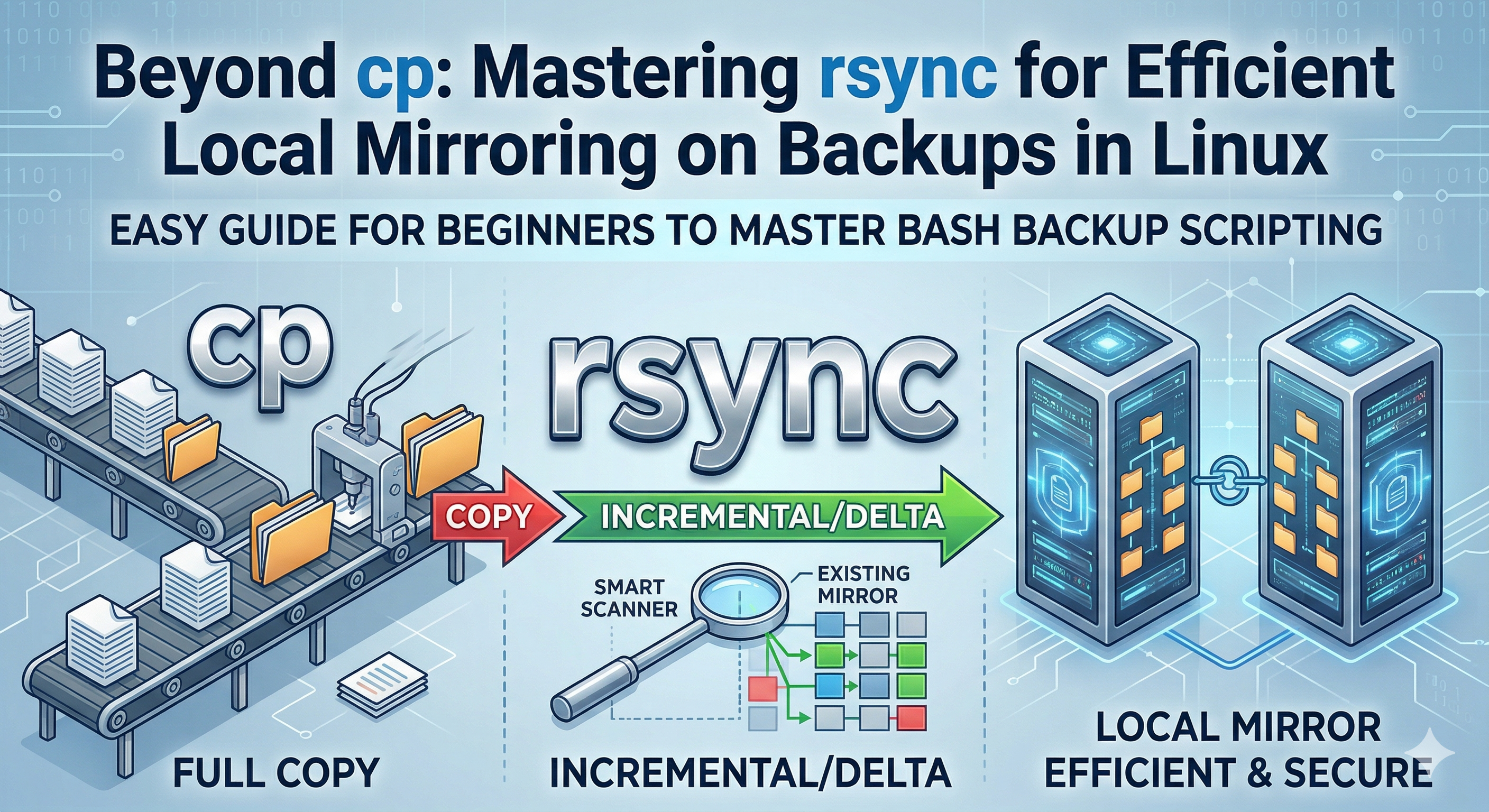
Have you ever copied a file from one directory to another in Linux? You have certainly done this with the help of the cp command. This is our first command that is easy, reliable, and works. However, when it comes to backup, depending only on the cp command will be called “The Copy Trap.”
Imagine a situation where your room has only one corner that needs to be repaired with a bit of painting. What do you do? Paint the entire room including the ceiling and floor?
That is exactly what happens when you use a basic copy command for backups:
- Absolute Copying: This is what cp does. It copies everything from scratch, every time. If you have 100GB of photos and add just one new picture, an absolute copy will move all 100.01GB all over again.
- Incremental Copying: This is the “smart” way. It looks at what you already have and only moves the new or changed files.
- The Mirror: The goal of a backup mirror is to create a perfect 1:1 reflection. If you add a file to your “Work” folder, it appears in the mirror. If you delete a junk file, it vanishes from the mirror.
The Beginner’s Start: What is cp?
let’s look at the basics of the cp (copy) command. In Linux, cp is used to duplicate files and directories.
Simple cp Tutorial
If you are just starting out, here is the anatomy of a copy command: cp [OPTIONS] SOURCE DESTINATION
Scenario: Copying a single folder to a backup drive
you have a folder called Projects and an external drive mounted at /media/backup_disk.
- The Basic Copy:
cp -r ~/Projects /media/backup_disk/The-rstands for recursive. You must use this if you want to copy a folder and everything inside it. - The “Better” Copy (Archive Mode)
If you are using
cpfor a quick backup, you should always use the-aflag instead of just-r.cp -a ~/Projects /media/backup_disk/**-a**stands for Archive
The Efficiency Problem
Try running that cp -a command twice. You’ll notice it takes just as long the second time as it did the first. It is blindly overwriting data that is already there.
As your data grows, this becomes:
- Slow: You waste minutes (or hours) waiting for files to move.
- Hard on Hardware: Constant heavy writing shortens the lifespan of SSDs and external drives.
This is where rsync enters the room. In the next section, we’ll see how to switch from “painting the whole room” to “fixing the scratch.”
Dilan Gomas
HCI Researcher & Web Architect at Sabaragamuwa University of Sri Lanka